Pet Cameras & Monitors · 8 min read
Pet Camera vs. Security Camera: Which Is Better for Monitoring Dogs?
Comparing pet cameras vs security cameras for dog monitoring. Learn which features matter, what justifies the price gap, and which option fits your dog.
Introduction
If you've ever searched for a way to check on your dog while you're at work, you've probably wondered whether a dedicated pet camera is worth the premium over a basic security camera. The [pet camera vs security camera for dogs](/) debate comes down to one question: do you just want to watch, or do you want to interact? A $35 Wyze Cam can stream 1080p video and send motion alerts to your phone — but it can't toss a treat, detect barking specifically, or follow your dog as they roam the room. Pet-specific cameras like the Furbo 360° Dog Camera are built around those interactive features, and for many dog parents, that difference changes everything. In this guide, we'll break down what each type of camera does well, where they overlap, and how to choose the right one for your dog's needs and your budget.
What a Pet Camera Actually Does Differently
Pet cameras are designed from the ground up for one job: keeping you connected to your dog when you're not home. The standout feature is treat tossing — you tap a button in the app and the camera launches a treat across the room, which works as both a reward and a way to redirect anxious behavior. The Furbo 360° Dog Camera holds roughly 100 small treats and lets you adjust treat size through the app. Beyond treats, pet cameras include bark-specific alerts that distinguish your dog's barking from general household noise, two-way audio optimized for pet hearing frequencies, and in some cases auto-tracking that follows your dog as they move through the room. The Furbo 360° pans a full 360 degrees so you can locate your dog no matter where they've settled. These are features no generic security camera offers. For more on how to get the most out of a pet camera setup, check out our guide on how to set up a pet camera with proper Wi-Fi, placement, and training tips.
What a Security Camera Does Well (and Where It Falls Short for Dogs)
Security cameras like the Wyze Cam, Ring Indoor Cam, and Arlo Essential Indoor are excellent at passive surveillance. They offer wide-angle views, motion detection, night vision, and in some cases 2K or even 4K resolution at a fraction of the cost of a pet camera. The Wyze Cam v4, for example, offers 2.5K QHD video and free local storage via microSD for around $35 — significantly sharper than the Furbo's 1080p. But here's the catch for dog parents: security cameras treat all motion the same. Your dog walking to the kitchen triggers the same alert as a curtain blowing in the wind. There's no treat dispenser, no bark-specific detection, and two-way audio (when available) is designed for deterring intruders, not comforting an anxious pup. As Consumer Reports noted in their testing, security cameras work fine for basic check-ins but lack the interactive features that make pet cameras genuinely useful for dog owners dealing with separation anxiety or behavioral training.
Head-to-Head: Feature Comparison
Let's get specific. Here's how a dedicated pet camera like the Furbo 360° Dog Camera stacks up against a popular security camera like the Wyze Cam. Treat tossing: Furbo yes, Wyze no. Bark alerts: Furbo includes free push notifications when your dog barks; Wyze offers generic sound detection that can't tell barking from a door slamming. Pan and tracking: Furbo offers 360° rotation with optional auto-dog tracking (subscription required); Wyze Cam Pan v3 offers 360° pan but follows all motion, not just your dog. Video resolution: Wyze wins with 2.5K QHD vs Furbo's 1080p. Storage: Wyze supports free local microSD storage; Furbo requires a subscription for cloud video recording. Price: Wyze runs around $35; the Furbo 360° lists at $184 on Amazon (with frequent discounts) for the no-subscription version. Subscription cost: Wyze Cam Plus is about $1.99/month; Furbo Nanny starts at $6.99/month for AI alerts and cloud recording. The value equation depends entirely on whether you want to interact with your dog or simply observe them.
When a Security Camera Is Enough for Your Dog
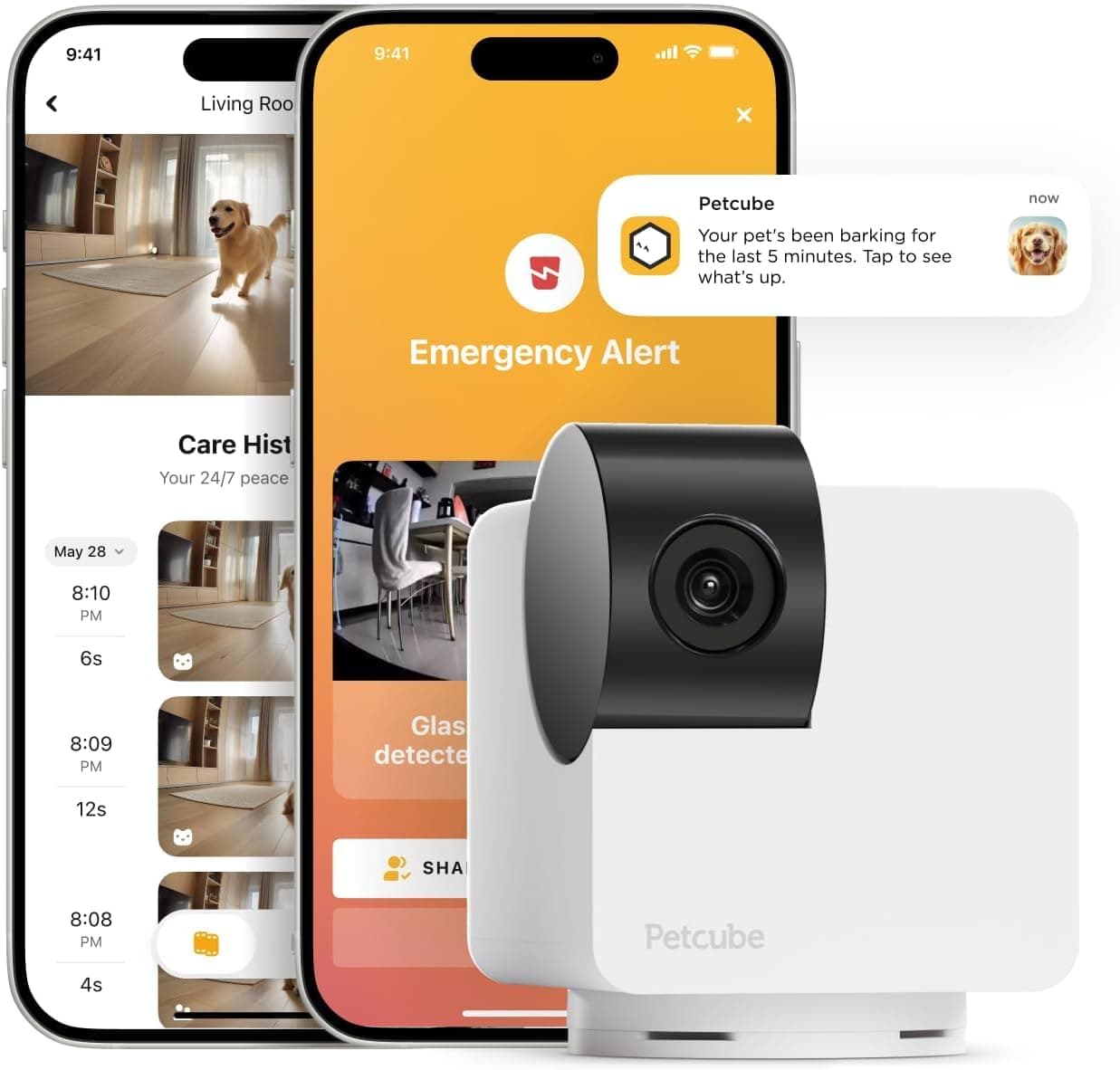
Not every dog parent needs a treat-tossing camera. A security camera may be perfectly adequate if your dog is calm when left alone, doesn't have separation anxiety, and you primarily want to confirm they're safe and not destroying the house. If you already have a Petcube Cam 360 or a Ring system installed for home security, repurposing it for pet check-ins costs nothing extra. Budget-conscious owners with multiple rooms to monitor can buy two or three Wyze Cams for the price of one Furbo. Dogs who are frightened by disembodied voices or mechanical sounds may actually prefer a quiet security camera over a pet camera that makes noise when tossing treats. As Rover's review team found when testing the Wyze Cam, some dogs are terrified by two-way audio and treat-launching sounds — so the interactive features that sell pet cameras can backfire with sensitive dogs. If your dog falls into that category, a simple security camera from Amazon may be the better call.
When a Pet Camera Is Worth the Premium
A pet camera earns its higher price tag when interaction matters. If your dog has separation anxiety, the ability to talk to them and toss a treat can redirect pacing, barking, or destructive behavior in real time. The Furbo 360°'s bark alert sends you a push notification the moment your dog starts barking, so you can open the app, assess the situation, and respond — whether that's a calming word or a treat distraction. For puppies in training, the treat toss reinforces good behavior even when you're away. The 360° panning means you can find your dog wherever they've curled up, which matters in larger homes. Reviewers at SafeWise found the treat-tossing feature genuinely fun and useful, with their test dogs catching on to the game instantly. If you work long hours away from home and want more than a passive video feed, the Furbo 360° Dog Camera on Amazon is the strongest option. You can also compare it directly against other models in our Furbo 360° vs. Furbo Mini 360° breakdown.
Privacy and Security Considerations
Any internet-connected camera introduces privacy considerations, and pet cameras are no exception. Research published in *Frontiers in IoT* found that many popular pet tech apps have security vulnerabilities, with some transmitting user data to trackers before obtaining consent. Furbo specifically has had firmware vulnerabilities disclosed (including CVE-2025-11643 and CVE-2025-11648, both rated low severity by NVD), though the company uses bank-level encryption and recommends two-step verification. Mozilla's *Privacy Not Included* guide rated the Furbo as collecting significant personal data, including audio, video, and location information, and noted the company may share data with third parties for marketing. Security cameras from larger companies like Google Nest and Ring have faced similar scrutiny. The practical takeaway: use strong, unique passwords, enable two-factor authentication whenever available, keep firmware updated, and consider placing your camera on a separate IoT network. If privacy is a top concern, look for cameras with local storage options (like Wyze's microSD support) that don't require cloud uploads.
The Hybrid Approach: Using Both
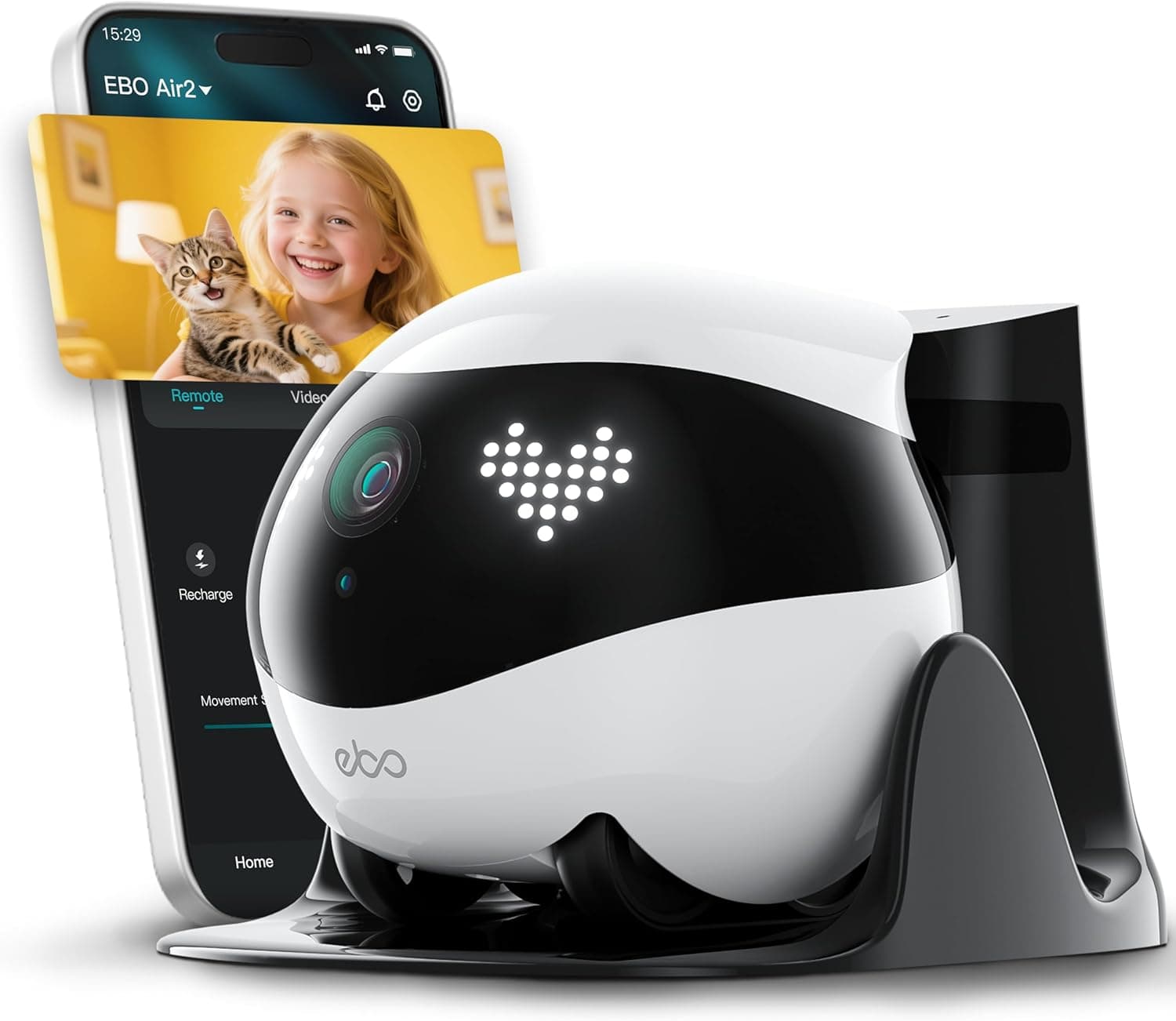
Many dog parents end up with a hybrid setup — and it's often the best of both worlds. Place a pet camera like the Furbo 360° in the main living area where your dog spends most of their time, so you can interact, toss treats, and get bark alerts. Then add a budget security camera like the Wyze Cam on Amazon in a secondary room or near a door for broader coverage. This combination gives you interactive engagement where it matters most and passive surveillance where you just need eyes on the space. Total cost for this setup runs roughly $220–$250, which is comparable to buying a single high-end security camera system. You can also explore other interactive options like the Enabot EBO Air 2 Pet Camera Robot, which roams your home to find your pet rather than sitting in one spot. For more viral pet tech finds that pair well with a camera setup, browse our viral pet finds collection.
Final Verdict: Which Should You Buy?
Choose a security camera if your primary goal is checking that your dog is safe and present, you're on a tight budget, you need to monitor multiple rooms, or your dog is easily startled by sounds and voices. The Wyze Cam v4 at around $35 is hard to beat for pure monitoring value. Choose a pet camera if you want to actively engage with your dog during the day, your dog has separation anxiety, you're training a puppy, or you need bark-specific alerts that cut through notification noise. The Furbo 360° Dog Camera remains the category leader for dog-specific features, and its core functions (live view, two-way audio, treat tossing, barking alerts) work without a subscription. Choose both if you want comprehensive coverage — interactive engagement in the main living area plus passive surveillance elsewhere. Whichever route you take, make sure to pick the right treats if you go with a Furbo — our guide on the best treats for Furbo dog camera covers what works and what jams the mechanism.